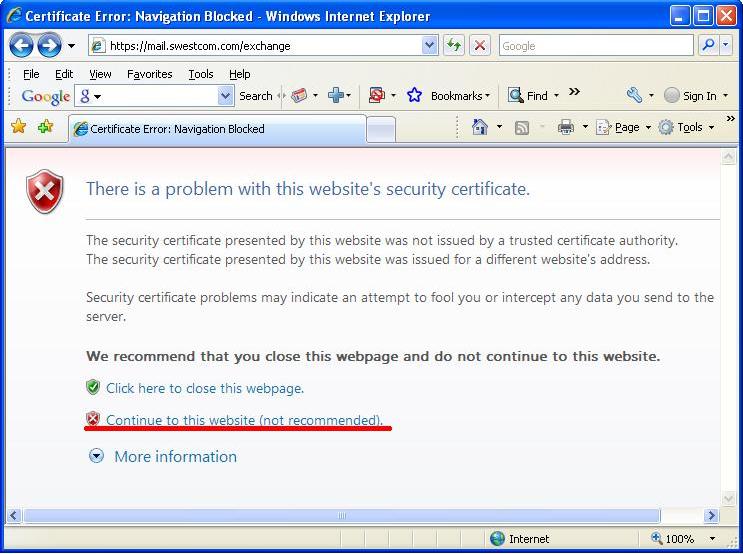
Just select "Continue to this website (not recommended)".
You may have this message with Internet Explorer 7 or Internet Explorer 8. When you have this message, please select
"Continue to this website" option. This will bring Outlook WEB Access page. You may read and send your e-mails after login process.
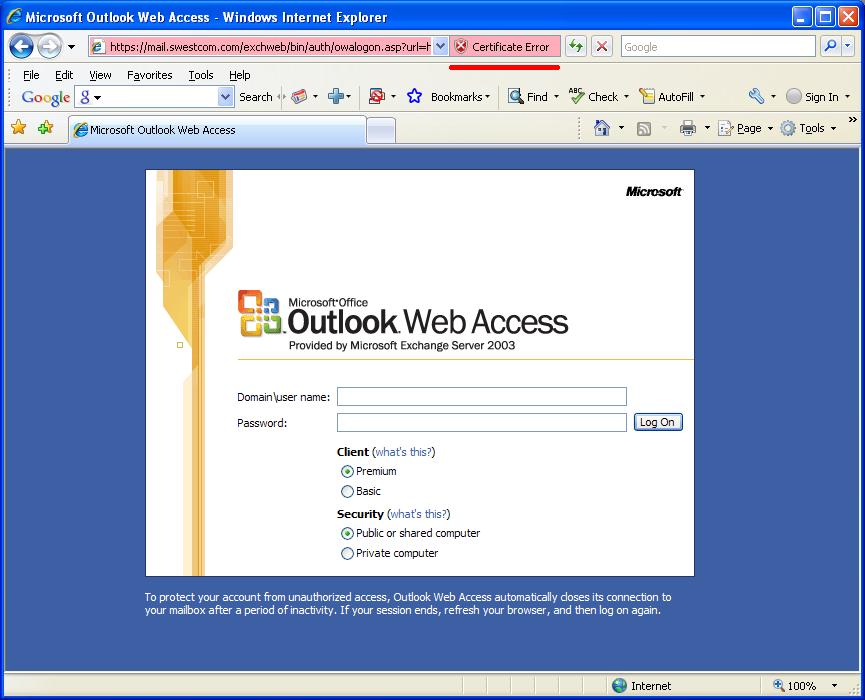
If you would like to never see the "Certificate Error" page on your computer then
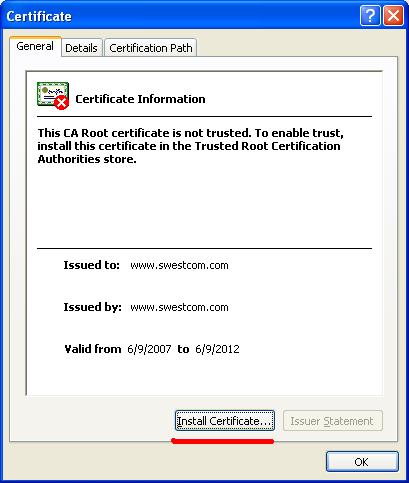
Press "Install Certificate" button. "Certificate Import Wizard" will be displayed.
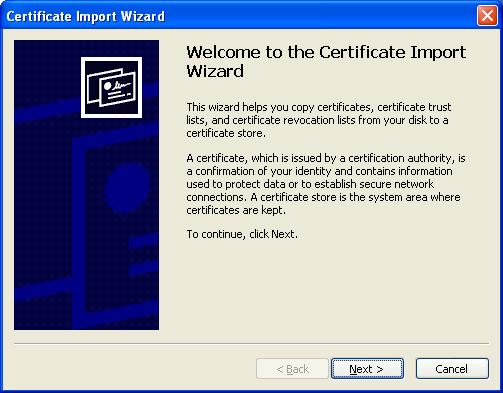
Press Next button. Next wizard page will be displayed:
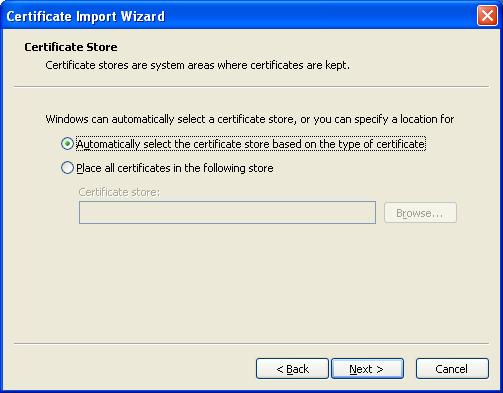
Do not change anything on this page and press Next. Press Finish on next Wizard page. You will see "Security Warning":
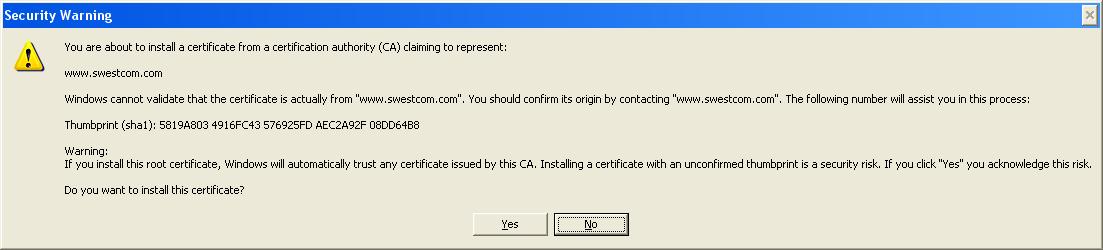
Press Yes button. You should have "Success" message:
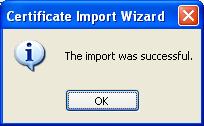
Press OK twice.